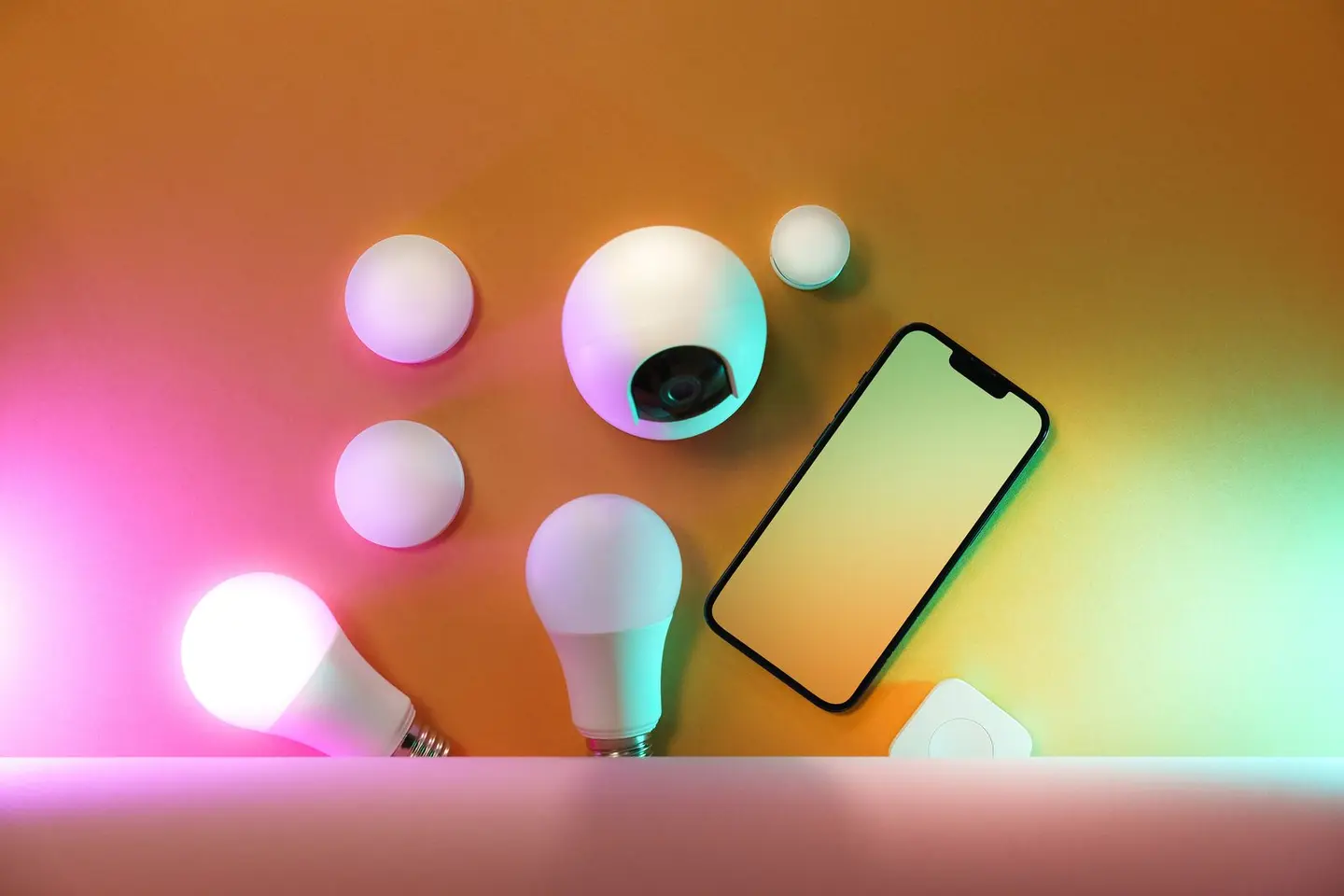
Smart lighting refers to any system that allows light sources to be controlled remotely, automated, or dimmed outside of a standard manual switch. At its simplest, it is a WiFi bulb paired with a smartphone app. At its most sophisticated, it is a whole-home lighting control system integrated with occupancy sensors, daylight harvesting, scene control, and a KNX or DALI backbone. Most UK homes sit somewhere between these extremes.
The central decision, often made without thinking it through, is which communication protocol to use. Get this right and your system can expand over years. Get it wrong and you end up with a collection of incompatible products and a fresh installation bill.
The Main Protocols
WiFi
Each bulb or switch connects directly to the home router. No hub needed. Simple to set up, widely available, and most work with Amazon Alexa and Google Home; Apple Home needs a Matter- or HomeKit-certified product.
Downsides: WiFi bulbs consume bandwidth and each device requires its own IP address. In larger homes or properties with weaker WiFi coverage, reliability suffers. WiFi devices also tend to be dependent on the manufacturer’s cloud server, if the company shuts down or changes its app, the products stop working.
Zigbee
A low-power mesh protocol designed for smart devices.1 Bulbs and switches relay signals between each other, extending range automatically as you add more devices. Requires a hub or bridge (often a smart speaker or dedicated unit).
Widely adopted by quality products and increasingly supported by the open-source Home Assistant platform and the newer Matter standard over Thread. Reliable at scale; not dependent on cloud services when run locally.
Z-Wave
Similar mesh topology to Zigbee but at a lower radio frequency (868 MHz in Europe), which gives better wall penetration. A classic Z-Wave network supports up to 232 devices; the newer Z-Wave Long Range raises that to 4,000.2 Slightly less common than Zigbee in UK retail, but well-supported in commercial and higher-end residential installations.
Matter over Thread
Matter is the new cross-manufacturer interoperability standard (launched 2022, maturing in 2025–26).3 Devices certified for Matter should work with Apple Home, Google Home, Amazon Alexa, and Samsung SmartThings without needing proprietary hubs.4 Thread is the underlying network protocol (like Zigbee in its mesh topology). This is the direction the market is heading, products labelled “Matter compatible” or “Works with Thread Border Router” are future-proofed more than older WiFi-only products.
DALI / KNX (Commercial-Grade)
Addressed primarily to larger residential projects, luxury developments, and commercial fit-outs. DALI (Digital Addressable Lighting Interface) and KNX are mainly wired protocols offering precise control, scene management, and integration with HVAC and AV systems. Installed by specialist electrical contractors. Significant upfront cost (typically £3,000–£20,000+ for a house) but offers professional-grade reliability and commissioning.
Protocol Comparison
| Protocol | Hub required | Cloud dependency | Range | Cost entry point | Best for |
|---|---|---|---|---|---|
| WiFi | No | High (typically) | Limited by router | £8–£18/bulb | Simple installs, renters |
| Zigbee | Yes (hub/bridge) | Low (local option) | Mesh, very good | £15–£28/bulb + hub | Scalable DIY systems |
| Z-Wave | Yes | Low | Mesh, excellent | £20–£40/device | Larger homes, US-pattern |
| Matter/Thread | Thread border router | Low | Mesh | £20–£35/device | Future-proofed new installs |
| DALI/KNX | Controller panel | None (wired) | Building-wide | £3,000+ system | High-spec residential |
Smart Bulbs vs Smart Switches
This is an important choice, and the two approaches are not always compatible:
Smart bulbs (e.g. Zigbee colour bulbs, WiFi GLS lamps) require the physical switch to remain permanently ON. If someone flips the wall switch off, the bulb loses power and disappears from the network. Solutions include mechanical switch locks or replacing switches with smart remotes that send wireless commands rather than cutting the mains supply.
Smart switches (dimmer or relay switches) replace the existing wall switch and control the mains feed to standard (dumb) bulbs. The bulbs need no modification: any GU10, E27 or B22 lamp works with an on/off smart switch, though a smart dimmer needs dimmable lamps. This approach is more practical in rooms with pendant shades or fittings where changing bulbs is inconvenient.
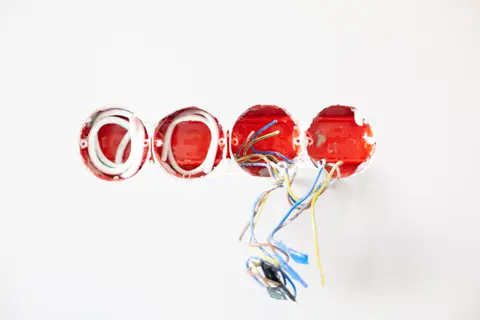
Caution with smart dimmers: many smart dimmer switches require a neutral wire at the switch. Most UK lighting circuits are wired loop-in, with the neutral taken to the ceiling rose or light fitting rather than to the switch, so most UK switch positions have only a live and a switched live and no neutral.5 Confirm wiring type before purchasing a smart dimmer. “No-neutral” dimmer switches exist but have a narrower load range and may cause flickering with certain LED lamps.
Typical Costs
| Component | Typical range |
|---|---|
| Smart WiFi bulb (single) | £8–£18 |
| Smart Zigbee colour bulb (single) | £15–£28 |
| Smart switch (relay, no neutral) | £25–£55 |
| Smart dimmer switch (with neutral) | £35–£80 |
| Zigbee hub / bridge | £30–£80 |
| Smart lighting kit (starter: hub + 3 bulbs) | £80–£160 |
| Full room system (hub, 4 switches, 8 bulbs, fitted) | £300–£700 |
| DALI/KNX whole-house system (fitted) | £4,000–£20,000+ |
Fitting smart switches and dimmers means working on the fixed wiring, so it is best done by a qualified electrician. Under Part P of the Building Regulations, notifiable work must either be done by a registered competent person (e.g. an NICEIC or NAPIT registered electrician) or notified to building control before it starts; notifiable work means a new circuit, a consumer unit replacement, or an addition or alteration to circuits in a special location such as the space around a bath or shower.6 Swapping a switch for a smart switch on an existing circuit outside a special location is not notifiable, but the work should still be installed, inspected, tested and certificated to BS 7671.6
Scenes, Automation, and Integration
The real value of smart lighting is automation, not just remote control. Common use cases in UK homes:
- Occupancy sensing: PIR sensors trigger lights on entry; auto-off after a set period. Particularly useful for cupboards, hallways, and loft rooms.
- Daylight linking: living room lights dim automatically as natural light rises through the day, maintaining a consistent lux level without manual adjustment.
- Wake-up scenes: bedroom lights gradually increase in colour temperature and brightness over 20–30 minutes before an alarm, mimicking sunrise.
- Away mode: lights switch on and off on a randomised schedule when the house is empty, discouraging opportunist break-ins.
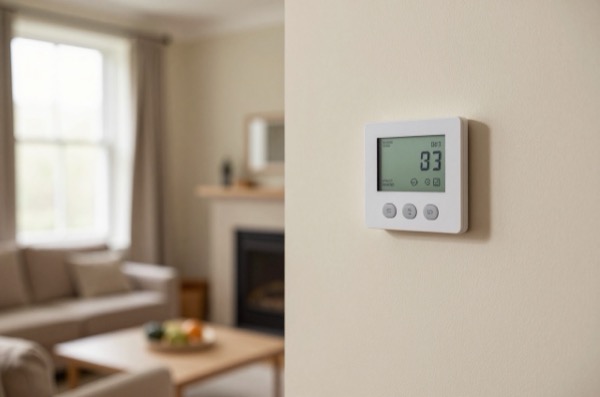
- Integration with heating: if the thermostat detects the house is empty, the lights system confirms it via presence detection before adjusting the setpoint.
These automations can be set up through manufacturer apps (Philips Hue, LIFX, Tado, etc.) or, for more flexible cross-system rules, through platforms like Apple Shortcuts, Google Home routines, Amazon Alexa routines, or open-source Home Assistant.
Planning Your System
- Decide the scope: are you automating the whole house, or starting with one room? A room-by-room rollout is lower risk and allows you to test the system before committing.
- Check your wiring: get an electrician to confirm whether neutral wires are present at your switch positions before buying smart dimmers.
- Choose a platform: Zigbee with Home Assistant offers maximum local control and future flexibility. Matter-certified products are the emerging standard. Avoid deeply proprietary ecosystems with no export or integration.
- Allow for smart remotes: in rooms where smart switches would require rewiring, wireless battery-powered remotes (Zigbee or Matter) can act as scene controllers stuck to the wall, no mains wiring needed.
- Test one room first: buy a starter kit, live with it for 4–6 weeks, then expand. This avoids buying 50 bulbs in one protocol before discovering you prefer another approach.
References (6)
Figures in this note were checked against the sources below on 30 September 2026. Superscript numbers in the text point to them. Every source the site cites, by topic.
- 1technicalgoodConnectivity Standards Alliance, guidance.RN-CDGHU7The Connectivity Standards Alliance's page for Zigbee, the standard it maintains. It describes Zigbee as a low-power, self-healing mesh network used in smart homes and commercial buildings.
- 2technicalfairZ-Wave Alliance, guidance.RN-G1KYEBThe Z-Wave Alliance's comparison of classic Z-Wave with Z-Wave Long Range. It gives 232 nodes for a classic mesh network and up to 4,000 for Long Range.
- 3technicalgoodConnectivity Standards Alliance, guidance.RN-0OPLWRCSA press release of 4 October 2022 announcing Matter 1.0 and its certification programme, developed by member companies including Amazon, Apple, Google and Samsung SmartThings.
- 4technicalfairConnectivity Standards Alliance, guidance.RN-UV3J1AThe standards body's page on the Matter smart home protocol. It says Matter devices work with Alexa, Siri and Google Assistant, and that Matter runs over Wi-Fi and Thread network layers.
- 5technicalsupplier figureSamotech, guidance.RN-AF1DQTA UK lighting-controls maker's wiring guide. It explains that UK loop-in lighting takes the neutral to the fitting, not the switch, which is why most switch positions lack a neutral.
- 6technicalvery strongMinistry of Housing, Communities and Local Government.RN-JYJ3I5The document that decides what electrical work a homeowner may legally do themselves, and the exact list of notifiable jobs. Regulation 12(6A), reproduced at paragraph 2.5, makes only three things notifiable: the installation of a new circuit, the replacement of a consumer unit, and any addition or alteration to existing circuits in a special location. Regulation 12(9) defines special location as, in a room containing a bath or shower, the zone extending vertically from finished floor level to 2.25 metres (or the shower head position if higher) and horizontally 600mm from the edge of the bath tub or shower tray. Paragraph 2.7 states that all other electrical installation work is not notifiable, namely additions and alterations to existing installations outside special locations, and replacements, repairs and maintenance anywhere. Paragraph 2.8 gives worked examples: a built-in cooker is not notifiable unless a new cooker circuit is needed, and connecting an electric gate or garage door to an existing isolator is not notifiable but running a new circuit from the consumer unit to that isolator is. Paragraph 2.2 confirms Part P reaches outdoor work including fixed garden lighting, pond pumps and outbuildings such as sheds, detached garages and domestic greenhouses. Notifiable work must be certified by self-certification by a registered competent person, third-party certification, or a building control body (paragraph 3.1), with the compliance certificate issued within 30 days (paragraph 3.4). Note that Approved Document P is a source of guidance rather than a ban: non-notifiable work still has to comply with BS 7671.
-
Zigbee: Full Stack Solution for Smart Devices, Connectivity Standards Alliance, accessed 30 September 2026. csa-iot.org
-
Z-Wave Long Range vs Z-Wave, Z-Wave Alliance, accessed 30 September 2026. z-wavealliance.org
-
Matter Arrives Bringing A More Interoperable, Simple And Secure Internet Of Things to Life, Connectivity Standards Alliance, accessed 30 September 2026. csa-iot.org
-
Build With Matter | Smart Home Device Solution, Connectivity Standards Alliance, accessed 30 September 2026. csa-iot.org
-
How to Wire a 2-Way Light Switch (UK), Samotech, accessed 30 September 2026. samotech.co.uk
-
Approved Document P, Electrical safety: Dwellings, 2013 edition incorporating 2010 and 2013 amendments, Ministry of Housing, Communities and Local Government, accessed 14 September 2026. assets.publishing.service.gov.uk